Siemens NX

NX Automations.

Engineering requests turned into working NX tools. Each one is built against real NX objects and proven in NX before it ships, with its evidence, its download and its open questions on one page.

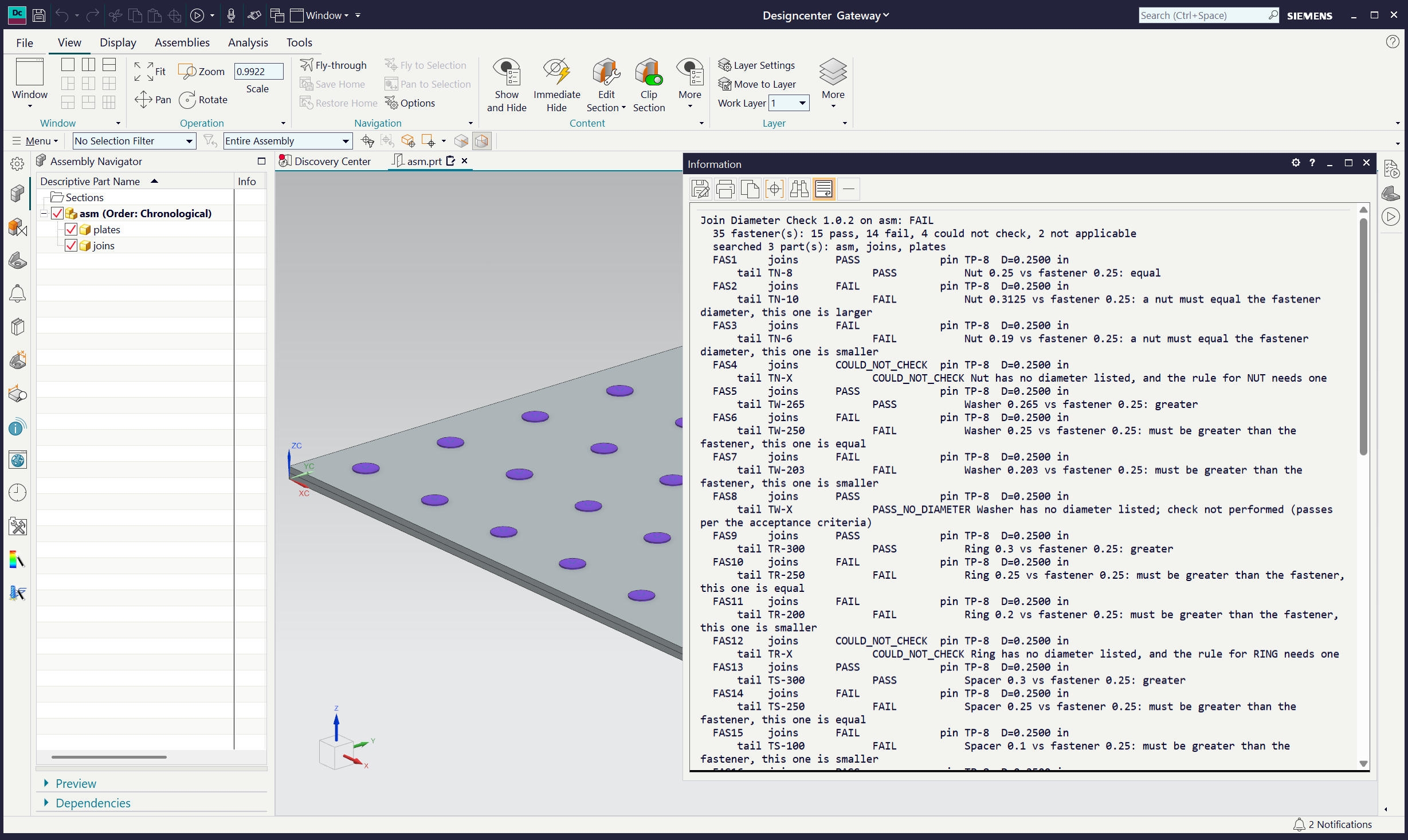
NX with the verification assembly and the Join Diameter Check results

CHECK-MATE TEST

Join Diameter Check

Checks every Join fastener’s head-side and tail-side hardware against the fastener diameter, by hardware type, and flags each one that does not fit.

36/36
real Join fasteners graded as the requirement says
36/36
the same, through Check-Mate itself
5/5
option controls hold

Verified NX 2606.5001 · 2026-10-03
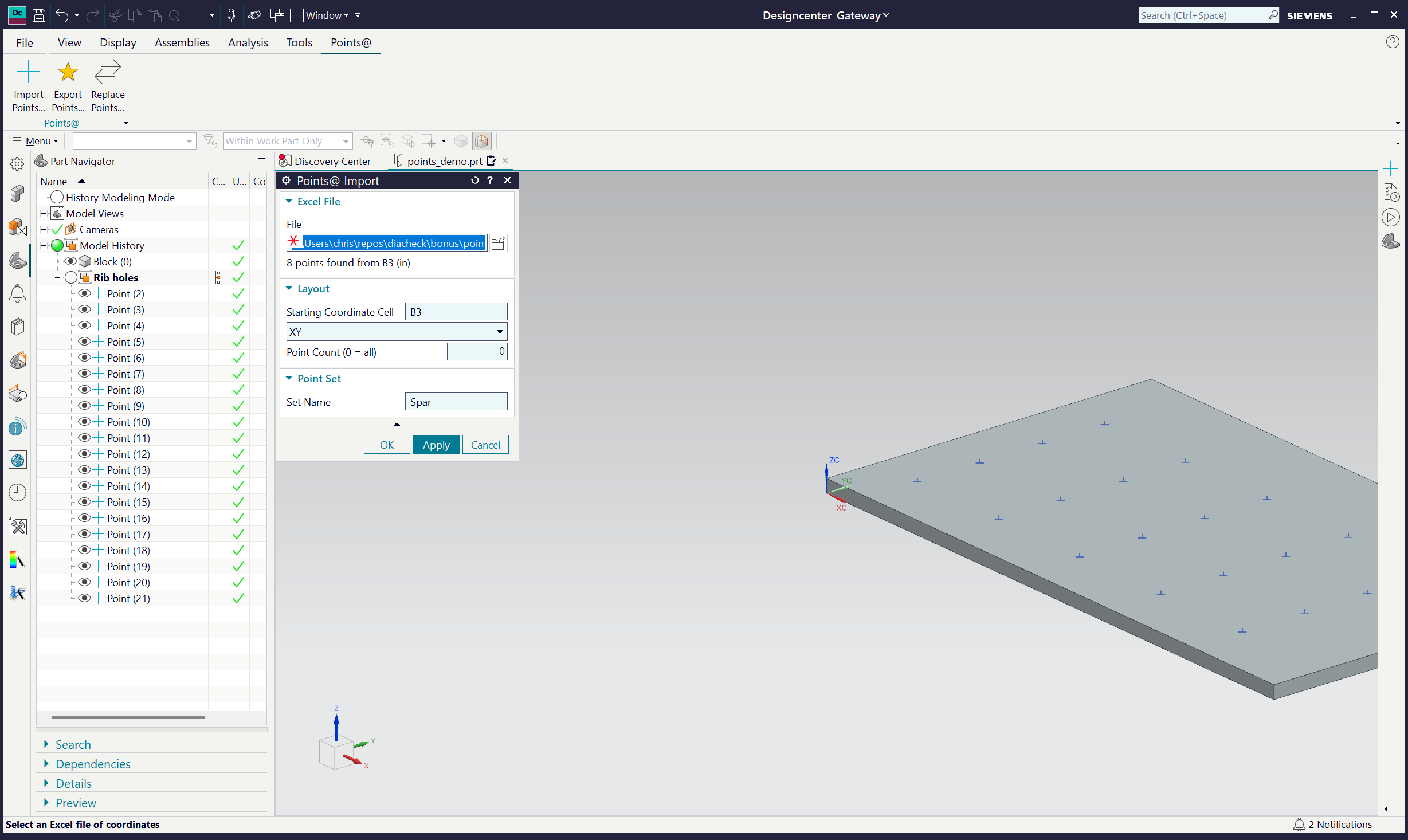
NX with the Points@ ribbon tab, the Import dialog and an imported point set

NX DIALOGS ON A RIBBON TAB

Points@

Imports, exports and replaces sets of points with Excel: three dialogs on a Points@ ribbon tab, each point set a named group in the model.

3
dialogs: Import, Export, Replace, on their own ribbon tab
9/9
checks hold, each read back from the part
1
Undo takes any operation back out

Verified NX 2606.5001 · 2026-10-03

How every automation is delivered.

Built on what NX actually stores

Each automation starts by reading the real object model: what the Join fastener holds, where a point set lives. The findings are written down with every automation, including the traps.

Proven in NX, not described

Every case is built as real NX geometry and run, in session, after reopening from disk, and in the NX window itself. The screenshots are of that window.

Checks that can fail

Expected results are worked by hand before anything runs, every option is flipped to show it changes exactly what it should, and a deliberately broken rule must be caught.

Open questions in the open

Where a request leaves something unsaid, the automation picks a default, says so, and lists the question for the people who asked.